
How to Deploy n8n in 2026?
Learn how to deploy n8n without managing servers, Docker, or infrastructure. A beginner-friendly guide to the easiest n8n hosting setup.
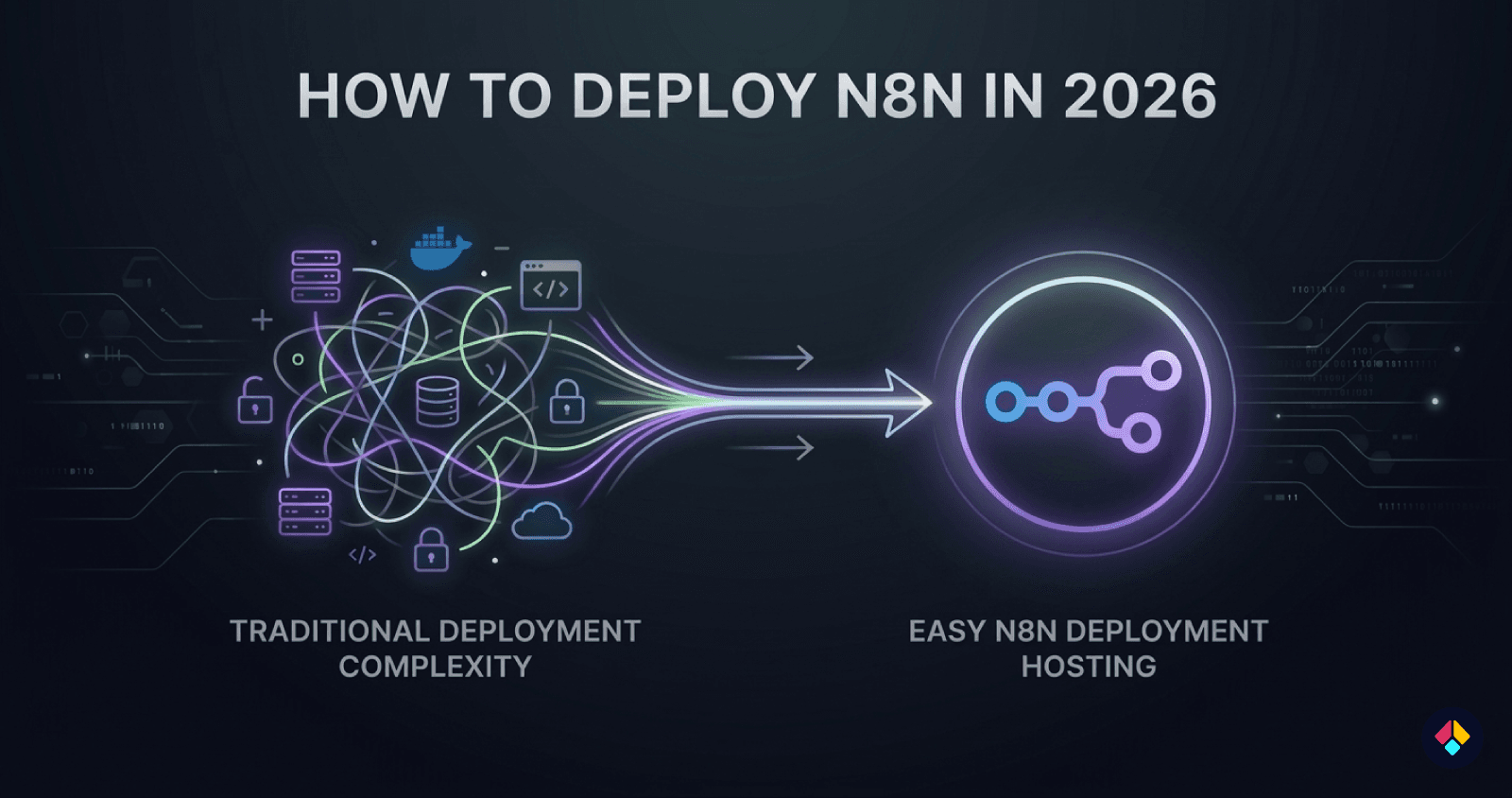
n8n is one of the most powerful open-source automation tools available today. It allows you to connect apps, automate workflows, and build powerful integrations without writing complex code.
However, when many people try to deploy n8n for the first time, they quickly run into a problem: the setup process can be surprisingly complicated.
Most tutorials require you to configure servers, install Docker, manage databases, set up reverse proxies, and configure SSL certificates. For developers with DevOps experience this may be manageable, but for beginners it can become a frustrating and time-consuming process.
In reality, many users don’t want to spend hours configuring infrastructure. They simply want a working n8n instance where they can start building workflows immediately.
The good news is that today there are easier ways to run n8n without dealing with server configuration or infrastructure management.
In this guide, you'll learn how to deploy n8n without any server setup, what the traditional deployment methods look like, and the simplest way to get a production-ready n8n instance running in just a few minutes.
What Does It Mean to Deploy n8n?
When people talk about deploying n8n, they mean setting up the platform so it can run continuously on a server and be accessed through a web browser.
Unlike desktop applications, n8n is designed to run as a server-based automation platform. This means it needs an environment that stays online 24/7 so workflows, triggers, and integrations can run reliably.
A typical n8n deployment requires several infrastructure components working together.
Server Infrastructure
First, you need a server where n8n can run. This is usually a cloud virtual machine (VPS) provided by platforms such as AWS, DigitalOcean, or Vultr.
The server hosts the n8n application and ensures your workflows execute automatically whenever triggers occur.
Databases and Workflow Execution
n8n also requires a database to store workflow data, execution history, and credentials. Smaller setups may use SQLite, while production environments typically rely on databases such as PostgreSQL.
For larger workloads, n8n can run in queue mode, where background workers process workflow executions separately to improve performance and reliability.
Domains, HTTPS, and Security
To access your n8n instance through a browser, you also need a domain and secure HTTPS connection. This usually requires configuring a reverse proxy such as Nginx and setting up SSL certificates.
Because of these requirements, deploying n8n involves preparing a complete server environment, not just installing the application itself.
Traditional Ways to Deploy n8n
There are several ways people typically deploy n8n. While each method works, most of them require some level of server management and technical setup.
Understanding these approaches helps explain why many users look for simpler n8n hosting solutions.
Deploying n8n with Docker
One of the most common ways to deploy n8n is by using Docker. Docker allows applications to run inside isolated containers, making it easier to manage dependencies and environments.
A typical Docker setup includes:
Installing Docker and Docker Compose
Creating a configuration file
Setting environment variables
Connecting a database such as PostgreSQL
Configuring persistent storage
Although Docker simplifies some aspects of deployment, it still requires familiarity with command-line tools and container management.
Deploying n8n on a VPS
Another common approach is deploying n8n directly on a VPS (Virtual Private Server).
In this setup, users rent a cloud server from providers like AWS, DigitalOcean, or Vultr and install n8n manually.
This process usually involves:
Installing Node.js or Docker
Setting up a database
Configuring a reverse proxy such as Nginx
Enabling HTTPS certificates
Managing firewall and security settings
While this method provides full control, it also requires ongoing server maintenance and updates.
Using n8n Cloud
For users who prefer not to manage infrastructure, n8n Cloud provides a hosted version of the platform.
With n8n Cloud, the infrastructure is handled automatically, allowing users to start building workflows right away.
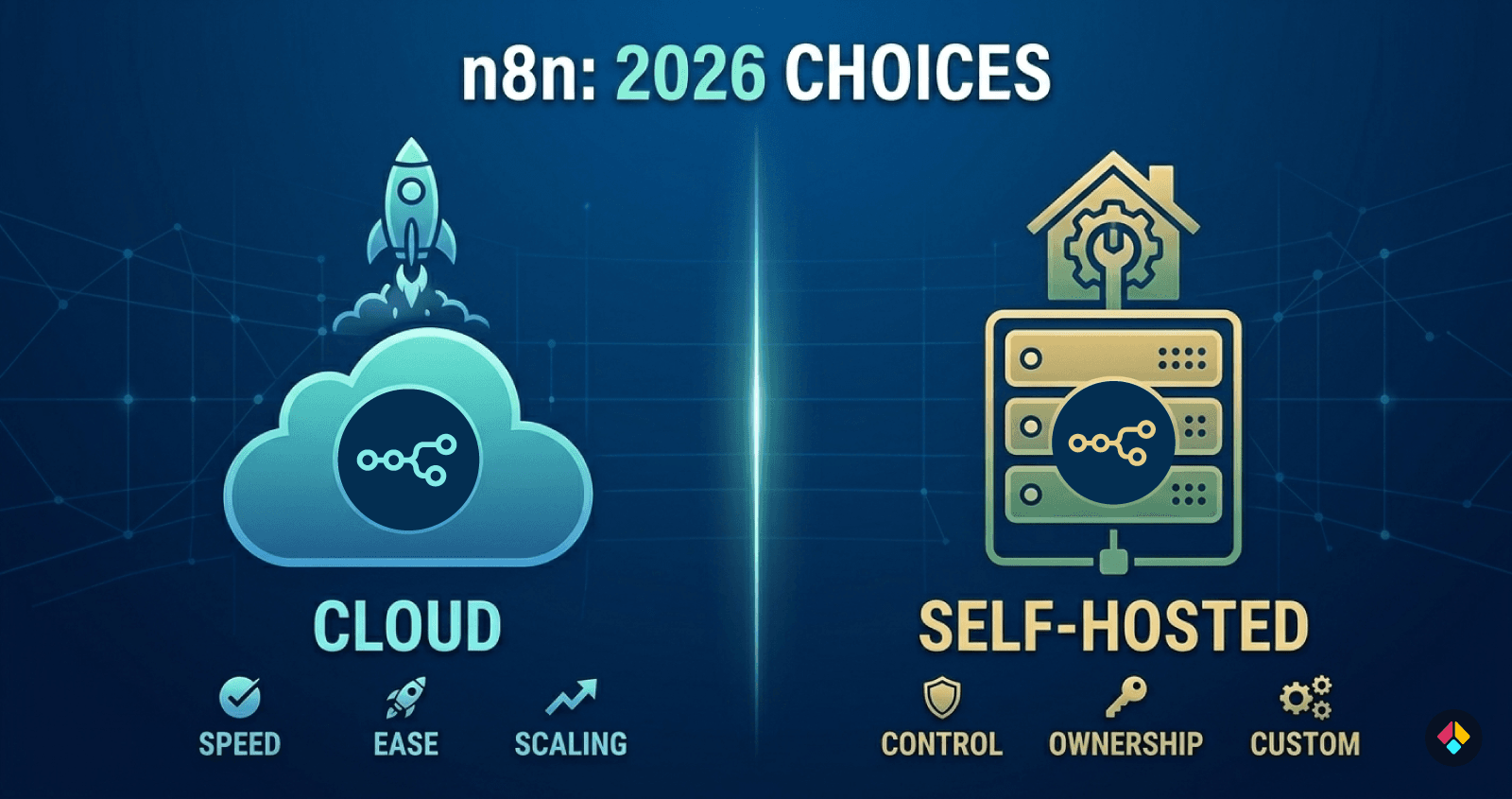
However, some users still prefer self-hosting because it offers greater control, dedicated resources, and more flexibility for custom environments.
Because of these trade-offs, many users continue searching for easier ways to deploy n8n while keeping the benefits of self-hosting.
If you're deciding between these two approaches, you can read a deeper comparison in our guide on 👉 n8n Cloud vs Self-Hosted.
Why Most People Struggle With n8n Deployment
At first glance, deploying n8n may seem simple. Many tutorials show how to install the platform and start it on a server.
However, running n8n in a reliable production environment requires much more than just starting the application. Users must configure infrastructure, security, and supporting services so workflows can run continuously.
For many beginners, the complexity of n8n hosting becomes the biggest obstacle.
Server Configuration
The first challenge is setting up the server itself. Users must provision a VPS, configure the operating system, install dependencies, and secure the environment.
Without DevOps experience, even basic server configuration can feel overwhelming.
Docker and System Dependencies
Many guides recommend deploying n8n using Docker. While Docker helps package applications, it also introduces additional complexity.
Users must understand containers, environment variables, persistent storage, and networking — which can make troubleshooting difficult for beginners.
SSL and Reverse Proxy Setup
To access n8n securely, HTTPS must be configured correctly. This usually involves setting up a reverse proxy such as Nginx and generating SSL certificates.
If configured incorrectly, webhooks and integrations may fail or the instance may become inaccessible.
Ongoing Maintenance and Updates
Even after deployment, servers require maintenance. Users must install updates, monitor resources, and keep the environment secure.
For people who simply want to build automations, managing infrastructure can quickly become an unnecessary burden.
Step-by-Step: Deploy n8n Without Any Server Setup
If you want to deploy n8n without configuring servers, Docker, databases, or reverse proxies, the easiest approach is to use a managed deployment platform that automates the entire infrastructure setup.
Instead of spending hours configuring a VPS, you can have a fully working n8n instance running in just a few minutes.
Here is how the process typically works.
Step 1: Create an Account
Start by creating an account on a managed n8n hosting platform Cuebic AI.
Once your account is ready, you can access a dashboard where you can launch and manage your automation instances. The platform handles the infrastructure layer, so you do not need to rent or configure a server manually.
Step 2: Start a New Deployment
From the dashboard, select the option to deploy a new n8n instance.
At this stage, the platform prepares the infrastructure required to run n8n. Instead of setting up Docker containers, databases, and background workers manually, everything is configured automatically.
This removes one of the biggest barriers for users who want to deploy n8n quickly.
Step 3: Automatic Infrastructure Setup
After starting the deployment, the platform automatically creates and configures the environment needed for n8n to run.
This typically includes:
Creating a dedicated cloud server
Installing and configuring n8n
Setting up databases and workers
Configuring HTTPS and domain access
Preparing a production-ready environment
All of these steps run in the background without requiring manual configuration.
Step 4: Access Your n8n Instance
Once the setup process is complete, your n8n instance becomes accessible through a secure web URL.
From there, you can log in to the n8n editor and start building workflows immediately.
Platforms such as Cuebic AI automate this entire process, allowing users to deploy a fully configured n8n instance in just a few minutes without touching server infrastructure.
Benefits of Deploying n8n Without Server Setup
Using a deployment approach that removes server management can make running automation workflows much easier. Instead of spending time configuring infrastructure, users can focus on building and improving their automations.
Here are some of the key benefits of deploying n8n without manual server setup.
Faster Deployment
Traditional n8n setups can take hours because they require configuring servers, installing dependencies, setting up databases, and securing the environment.
With managed n8n hosting, the entire infrastructure is prepared automatically, allowing users to deploy n8n and start building workflows within minutes.
No DevOps Required
Many automation builders are not familiar with server management or DevOps practices.
A simplified deployment approach removes the need to configure Docker environments, maintain operating systems, or manage infrastructure manually.
Dedicated Infrastructure
Some managed deployment platforms provide dedicated infrastructure for each instance. This means the n8n environment runs independently, offering more predictable performance and better reliability.
Production-Ready Setup
Automated deployment platforms often prepare a production-ready environment from the start. This includes proper architecture, security configuration, and reliable workflow execution, allowing users to run automation systems with confidence.
When choosing a managed platform, it is also important to understand the differences between hosting providers and whether they limit your flexibility. Some platforms introduce vendor lock-in that makes it difficult to move your workflows later.
If you want to understand this better, see our detailed guide on 👉 n8n hosting providers and vendor lock-in.
Who Should Use This Deployment Method?
Deploying n8n without managing servers removes much of the technical complexity involved in running automation infrastructure. This approach is especially helpful for users who want to focus on workflows rather than server management.
Automation Builders
Automation builders using n8n to connect apps and create workflows often want to focus on automation logic, not infrastructure. A simplified deployment approach allows them to start building immediately.
Developers
Developers who prefer self-hosted tools still benefit from faster deployment. Managed platforms allow them to deploy n8n quickly while maintaining control over their environment.
Agencies
Agencies building automation solutions for clients often need to launch multiple environments. Simplified n8n hosting makes it easier to deploy and manage new instances without configuring servers each time.
Non-Technical Users
For users without technical backgrounds, removing server setup makes automation far more accessible. Instead of learning server administration, they can focus on building workflows using n8n’s visual interface.
Conclusion
n8n is one of the most powerful automation tools available today, allowing users to connect services, automate workflows, and build powerful integrations with flexibility and control.
However, the biggest barrier for many users is the deployment process. Traditional methods often require setting up servers, configuring Docker environments, managing databases, and handling security settings. For beginners—and even many developers—this infrastructure setup can quickly become overwhelming.
Fortunately, deploying n8n no longer has to be complicated.
With modern n8n hosting platforms, it’s now possible to deploy n8n without managing server infrastructure at all. Instead of spending hours configuring environments, users can launch a fully configured n8n instance in just minutes and start building workflows immediately.
Platforms like Cuebic AI automate the entire deployment process, preparing a production-ready environment and delivering a ready-to-use n8n instance so users can focus on automation instead of server management.